




















Geometry Dash 3D - With Level Editor
About Geometry Dash 3D - With Level Editor
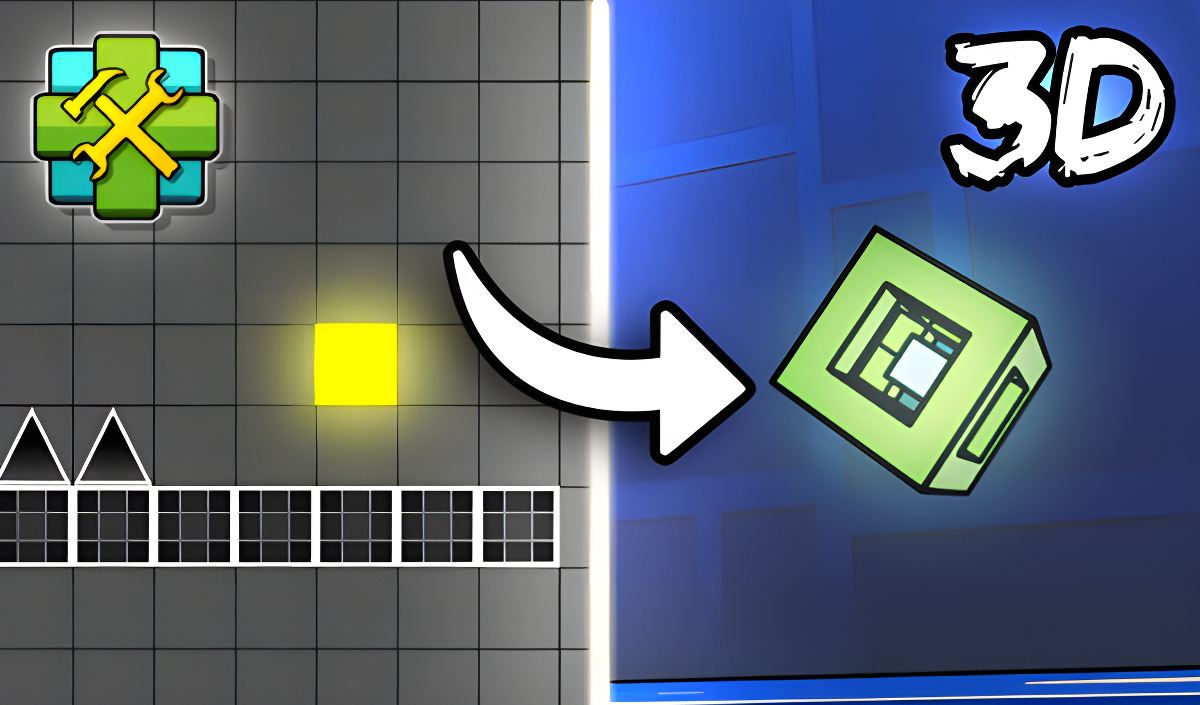
Geometry Dash 3D - With Level Editor takes the familiar mechanics of the popular Geometry Dash and rebuilds them in three dimensions, giving each run a fresh feel. The core challenge stays intact — complete levels while dodging obstacles — but the added depth changes how everything looks and moves. One scene shows a bright yellow circle and several black triangles with white outlines positioned on a platform, giving a sense of the sharp, geometric hazards waiting throughout.
Version 0.2 expanded the game considerably, introducing gems as a new currency earned by completing levels, a shop for skins, an inventory for purchased skins, cloud saving and loading, progress tracking for online levels, the ability to add difficulty ratings to levels, and level verification before publishing.
How to Play Geometry Dash 3D - With Level Editor
The goal is to reach the end of each level without hitting spikes or crashing into a wall. Either of those outcomes ends the run.
Game Modes
- Cube Mode: Jump over obstacles by clicking or tapping the screen.
- Ship Mode: Fly upwards by holding down the click or tap.
- Level Editor: Build your own levels — requires logging in and using a computer. Place objects by selecting them and clicking the left mouse button, control the camera with the mouse wheel, and delete objects with the right mouse button. Finished levels can be published for other players to enjoy.
Named Mechanics and Items
- Gravity Portals: Change the direction of gravity to overcome difficult sections.
- Ship: A flying ship controlled while avoiding obstacles in the air.
- Yellow Orbs: Jump using yellow orbs to reach difficult areas.
- Triggers: Use triggers to create levels more easily.
Nicknames can also be changed, though only once.
Controls
- Click or tap: Jump in Cube Mode
- Hold click or tap: Fly upwards in Ship Mode
- Left mouse button: Place a selected object in the Level Editor
- Mouse wheel: Control the camera in the Level Editor
- Right mouse button: Delete an object in the Level Editor
Games You Might Like
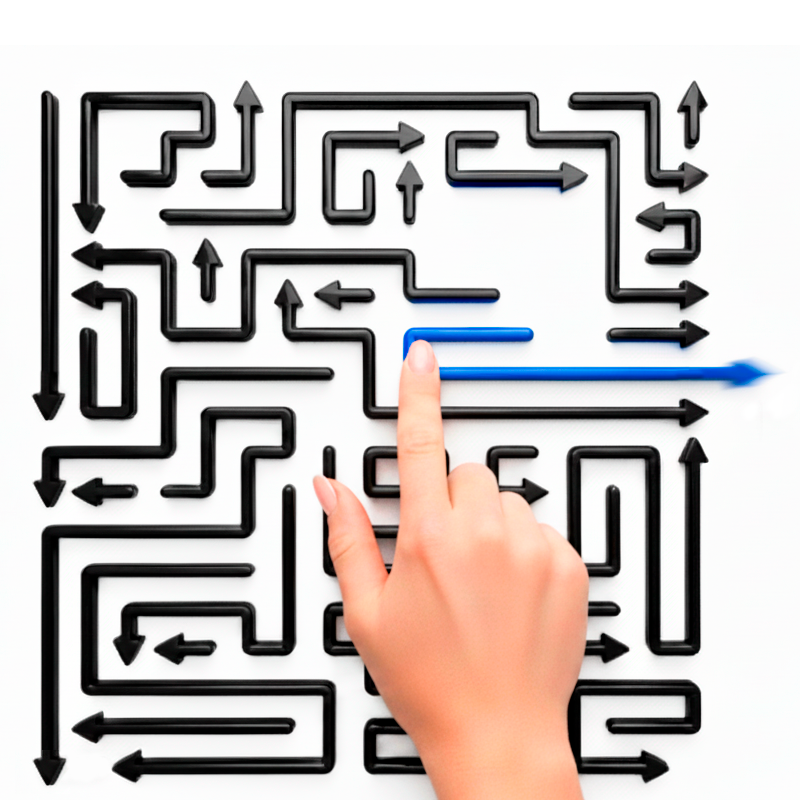
If the obstacle-dodging and spatial thinking in Geometry Dash 3D - With Level Editor appeal to you, Tap 3D Wood Block Away offers another 3D puzzle challenge where rotating and tapping blocks reveals intricate designs across increasingly demanding levels. For color-based block puzzles with gradually introduced mechanics, Blockibo: Color Blocks rewards careful planning as each stage layers in new obstacles and boosters. Color Block Pairs keeps the block-clearing focus but adds combo multipliers and frozen-block mechanics for players who enjoy optimizing every move. If you prefer logic puzzles with a clear step-by-step structure, Arrow Puzzle tasks you with removing arrows in the correct order across maze-like grids with daily challenges and limited lives.
Browse the full Puzzle games catalog for more brain-testing titles, or explore the Action games section for fast-paced obstacle and skill challenges in the same vein.
Video