








Draw Mine Mobs!
About Draw Mine Mobs!: 2D Minecraft Mob Coloring Game
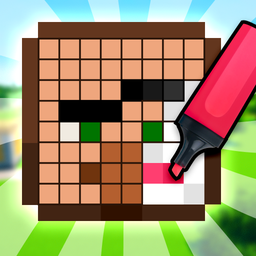
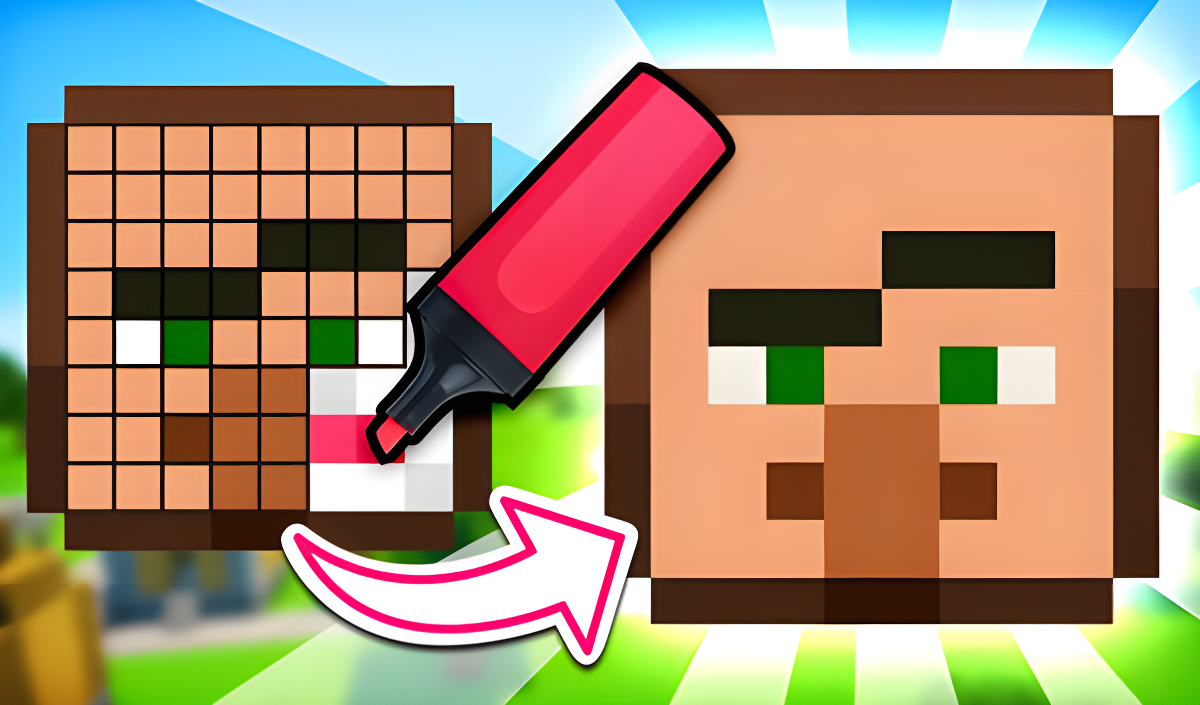
Draw Mine Mobs! is a 2D pixel-by-pixel coloring game built around the world of Minecraft, where the goal is to paint mob heads block by block using a color palette and eraser. The game carries a "mayne" atmosphere and a simple, clear interface described as accessible even for a noob. A shelf fills up as each head is completed, building a full collection over 114 levels. Beyond the level progression, a Workshop mode lets artists draw their own character freely, with the result displayed on the shelf alongside the unlocked heads.
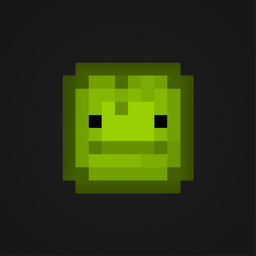
One scene shows a grid of green pixels arranged into a face with two black rectangular eyes. Another scene shows a wooden structure with a dark crescent moon shape carved into its door, standing in a dense green forest.
How to Play Draw Mine Mobs!
Each level presents a head swatch on the right side of the screen showing exactly how the character should look when finished. The task is to replicate that reference as precisely as possible, pixel by pixel.
Painting and Correcting
- Select a color from the palette, then click on individual pixels to paint them.
- Mistakes can be fixed with the eraser, or simply painted over with the correct color from the palette.
- The dropper tool lets you pick any color directly from the reference sample and apply it immediately.
Completing and Progressing
- When every pixel matches the original correctly, a victory sound plays and the next head unlocks.
- A stuck level can be skipped by clicking the button with the TV icon.
- Early levels feature simpler skins such as Steve and Zombie; later levels introduce more complex ones including Infected Steve, Dragon Edge, and Herobrine.
- Passing levels unlocks new shelves in the Workshop.
Mob Head Collection
- Steve
- Noob
- Creeper
- Zombie
- Skeleton
- Pig
- Cow
- Sheep
- Villager
- Infected Steve
- Dragon Edge
- Herobrine
Controls
- Click on a pixel: Paint it in the currently selected color
- Click on a palette color: Select that color for painting
- Click the eraser: Erase a painted pixel
- Click the dropper: Pick a color directly from the reference sample
- Click the TV icon button: Skip the current level
Key Features
- Pixel-by-pixel drawing in 2D with a mayne atmosphere
- 114 levels featuring heroes and mobs from Minecraft
- Workshop mode for free-draw creation, with results displayed on the shelf
- Simple and clear interface, accessible even for a noob
- Unlock new levels with heads and pictures in the mine, Minecraft, and craft style
- Color palette, eraser, and dropper tools included
- Complete collection shelf that fills as heads are finished
Games You Might Like
Fans of Minecraft-style pixel art and mob characters will find plenty more to explore in the broader Minecraft games collection on Playgama, which gathers block-world titles across many styles and challenges. If drawing to rescue a Noob sounds appealing, DOP Noob: Draw to Save puts your creativity to work protecting the same beloved character from cave spiders, zombies, and more. For something with more action, Mine Fight! Cut Mob Army! sends you into Minecraft-style battles against waves of zombies, skeletons, and creepers with a sword in hand. The full boys games category on Playgama rounds out the options with a wide range of action and puzzle titles suited to the same audience.
Video